 CoffeePOS
Your café’s register,
no internet needed
An Arabic-first Windows POS: takeaway & dine-in orders, 80mm thermal receipts, inventory and reports — all your data stays on your machine.
See it in two minutes
A quick tour inside CoffeePOS — selling, menu, inventory, customers and reports.
Everything a café needs, in one app
Works offline
All data lives on your PC. No subscriptions, no cloud.
Arabic-first & simple
Big buttons, clean Arabic UI — cashiers learn it in minutes.
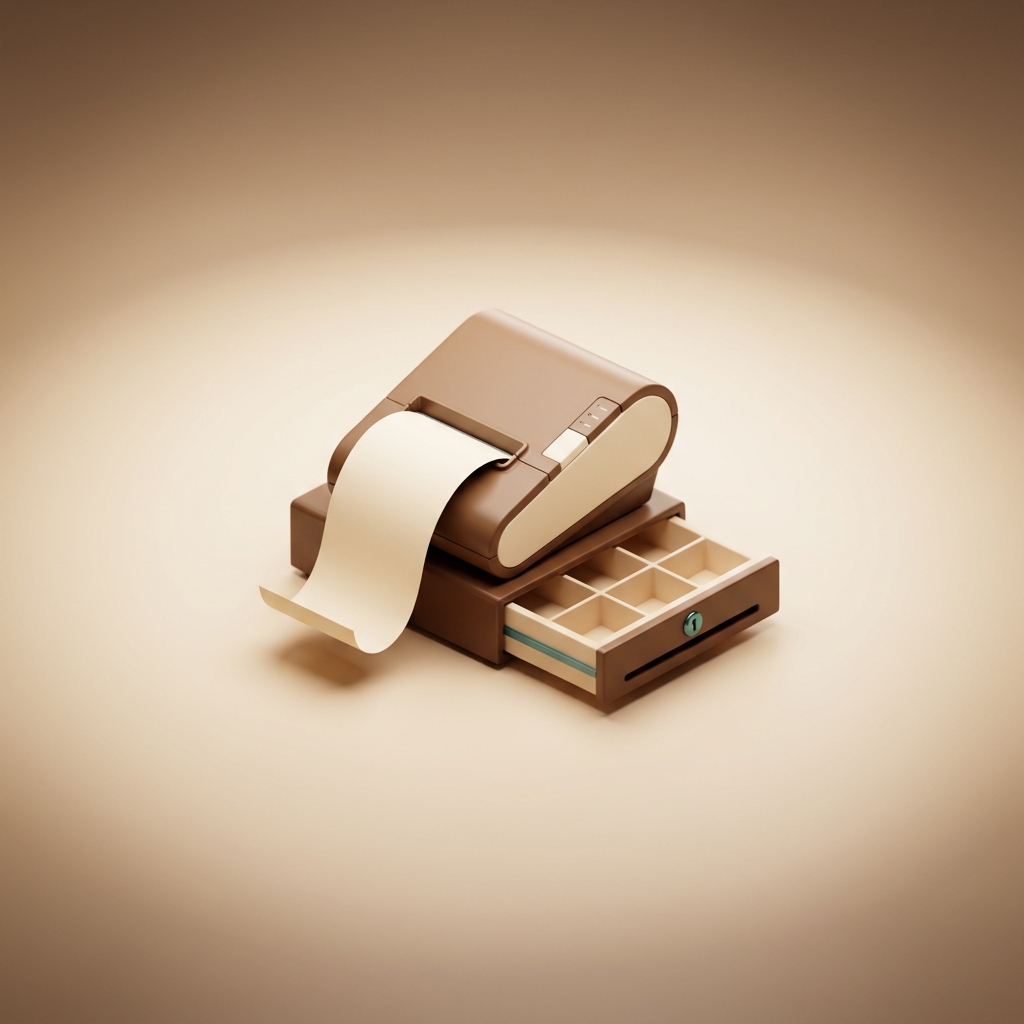
80mm thermal receipts
Prints Arabic correctly on any Windows printer.

Inventory & reports
Track stock, sales and your best-selling products.
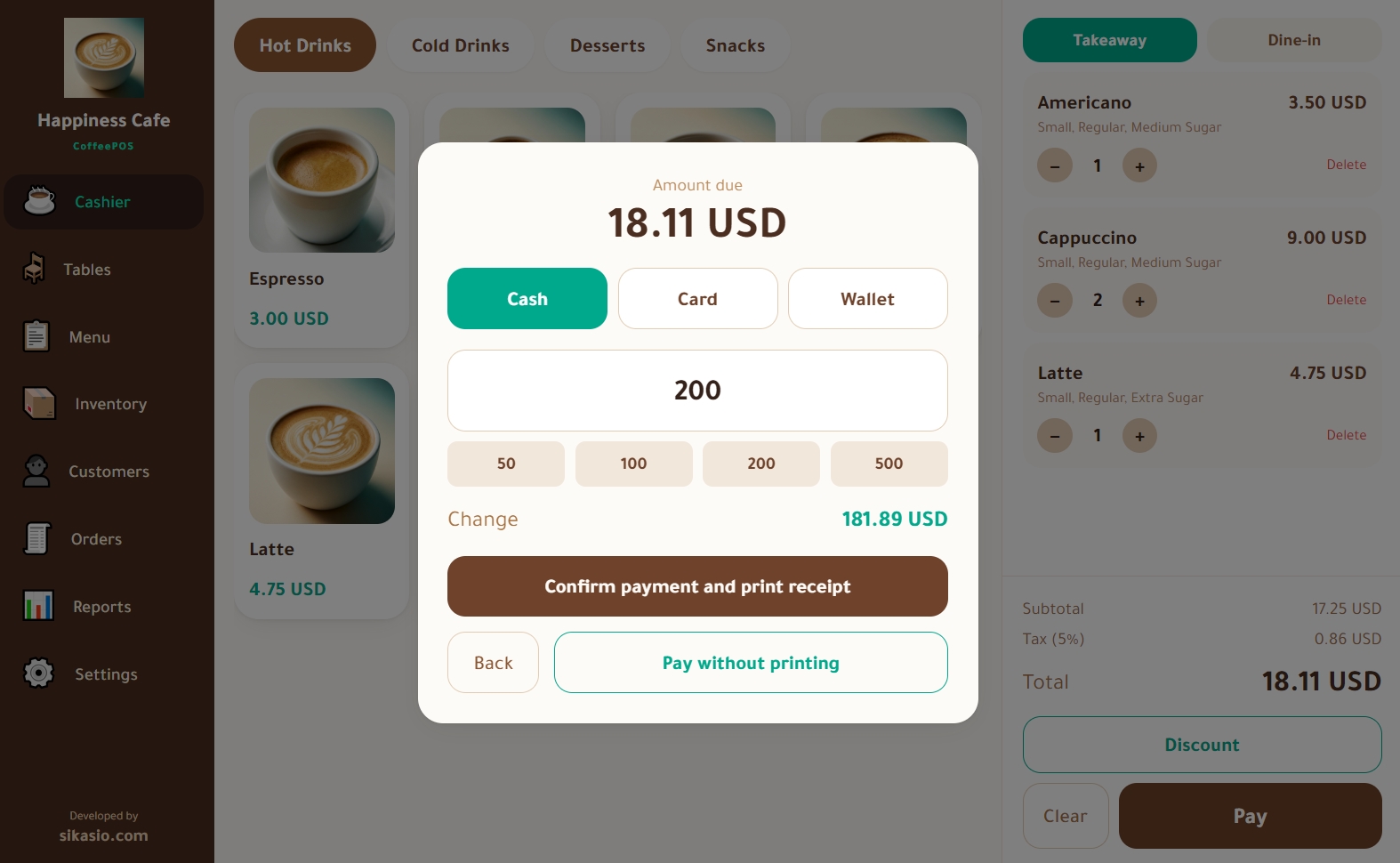
Arabic receipts that print right, first time
Printing goes through the Windows driver directly, so Arabic script comes out connected and correct on thermal paper — with your café’s logo, order number, modifiers and totals.
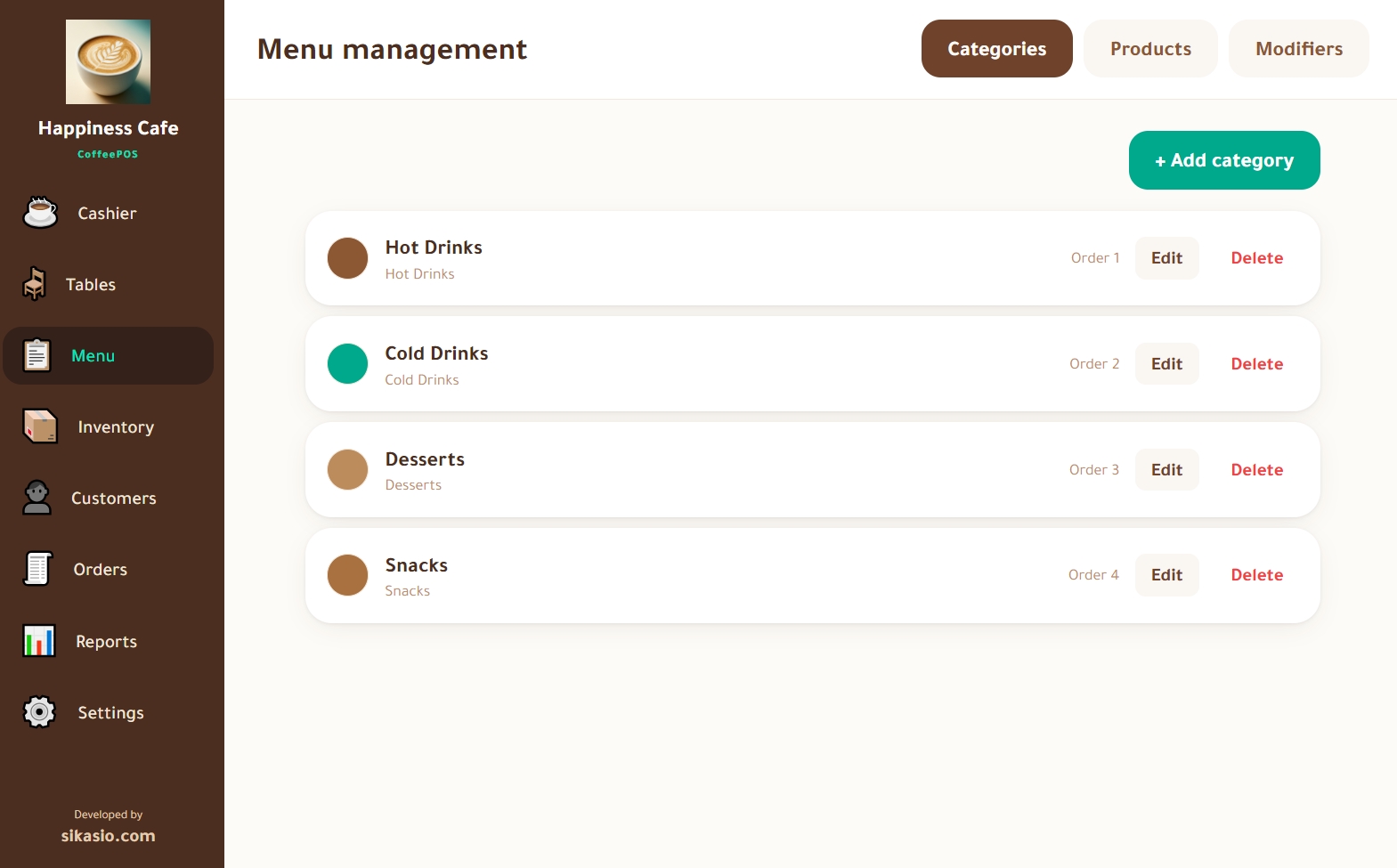
A menu with the options your customers ask for
Categories, products and modifier groups (size, milk, sugar…) with flexible pricing. Takeaway or dine-in with tables grouped by area.
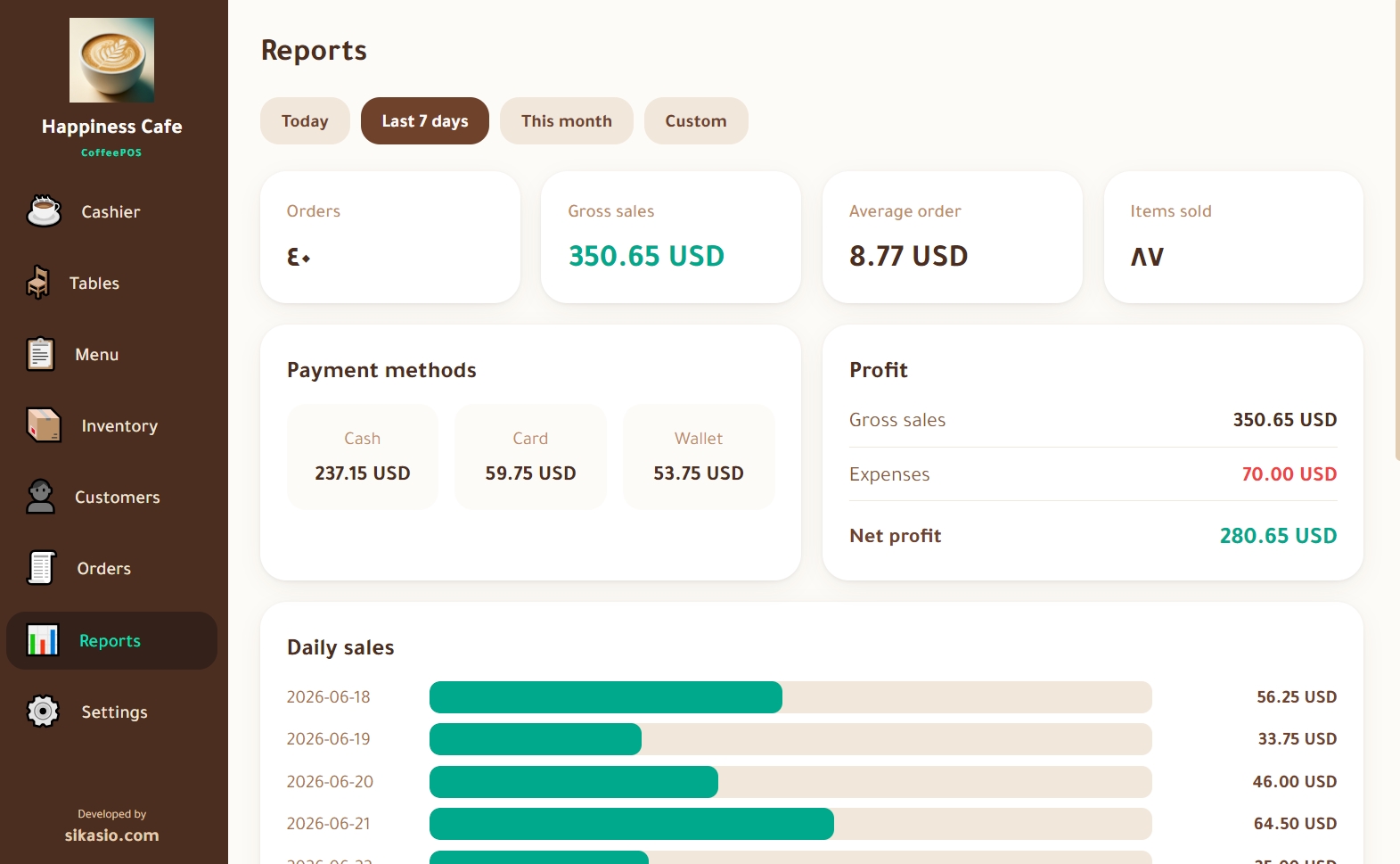
Reports you understand at a glance
Daily, weekly and monthly sales, payment methods, top products, and low-stock alerts — all exportable to Excel.
See it in action
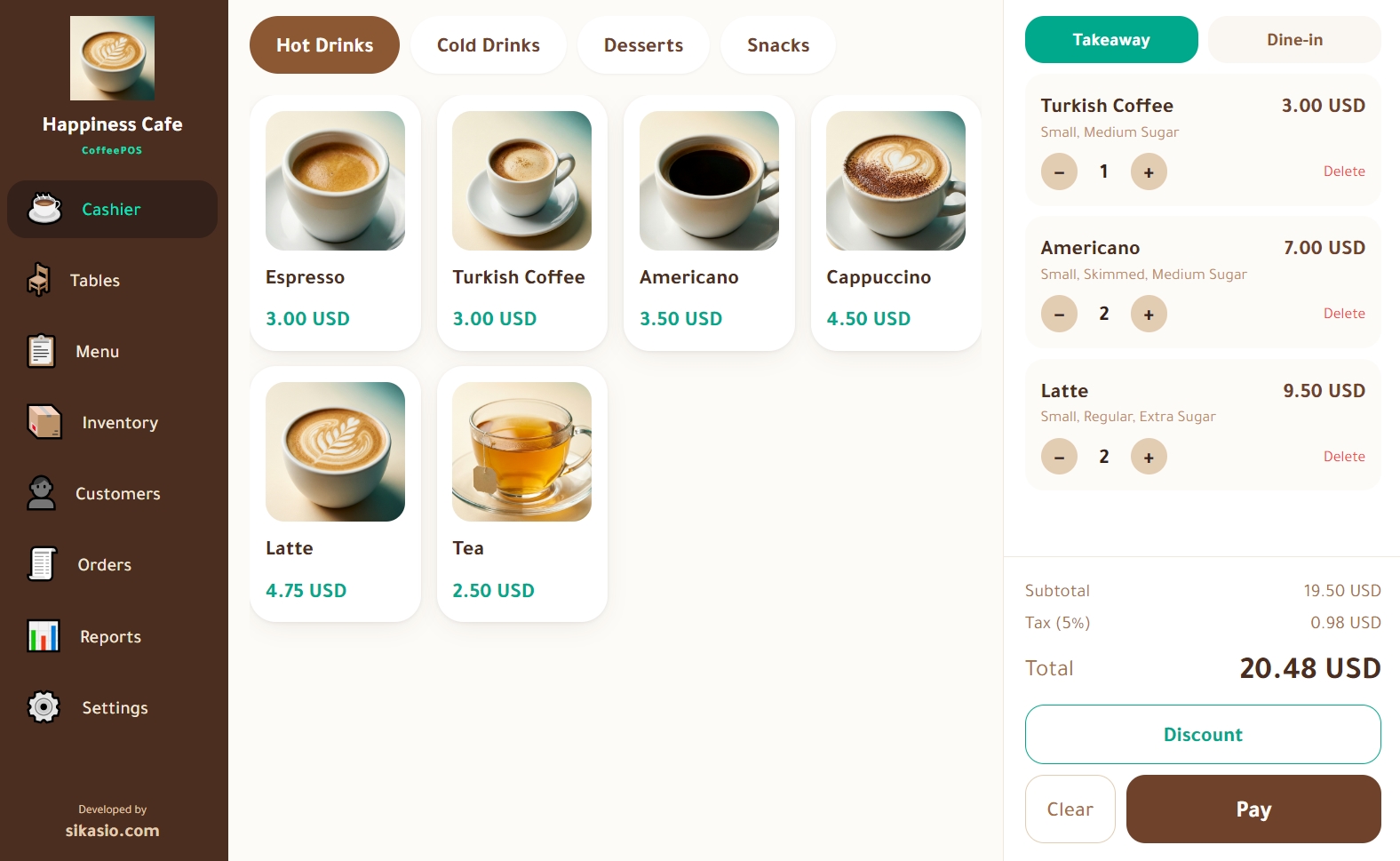
Real screenshots from inside CoffeePOS — click to switch.
Cashier screen — Fast selling with categories, modifiers and tax
Selling in three steps
Download & install
Free Windows build — installed in a minute.
Set up your café
The setup wizard walks you through name, menu, printer and tax.
Start selling
Take orders, accept cash or card, print the receipt instantly.
Why not a cloud POS?
Cafés run on it every day
I close the day in a minute and know my best seller without opening a notebook.
Our internet drops all the time. The app doesn’t even notice — sales just keep going.
First POS that printed Arabic receipts correctly on our thermal printer on the first try.
One price, once
- License key for one machine
- Free updates
- WhatsApp support
- License transfer to a new PC when needed
- One payment — no subscriptions
or email us at info@sikasio.com
Questions every café owner asks
The download is free; the app needs a license key at setup to run. You buy over WhatsApp or email — we send your key directly.
Try CoffeePOS at your café today
Download the Windows build and start selling in minutes. No subscription, no internet.
Download for WindowsCompatible with Windows 10 & 11 (64-bit) · Works fully offline